
 By callumlangham@gmail.com
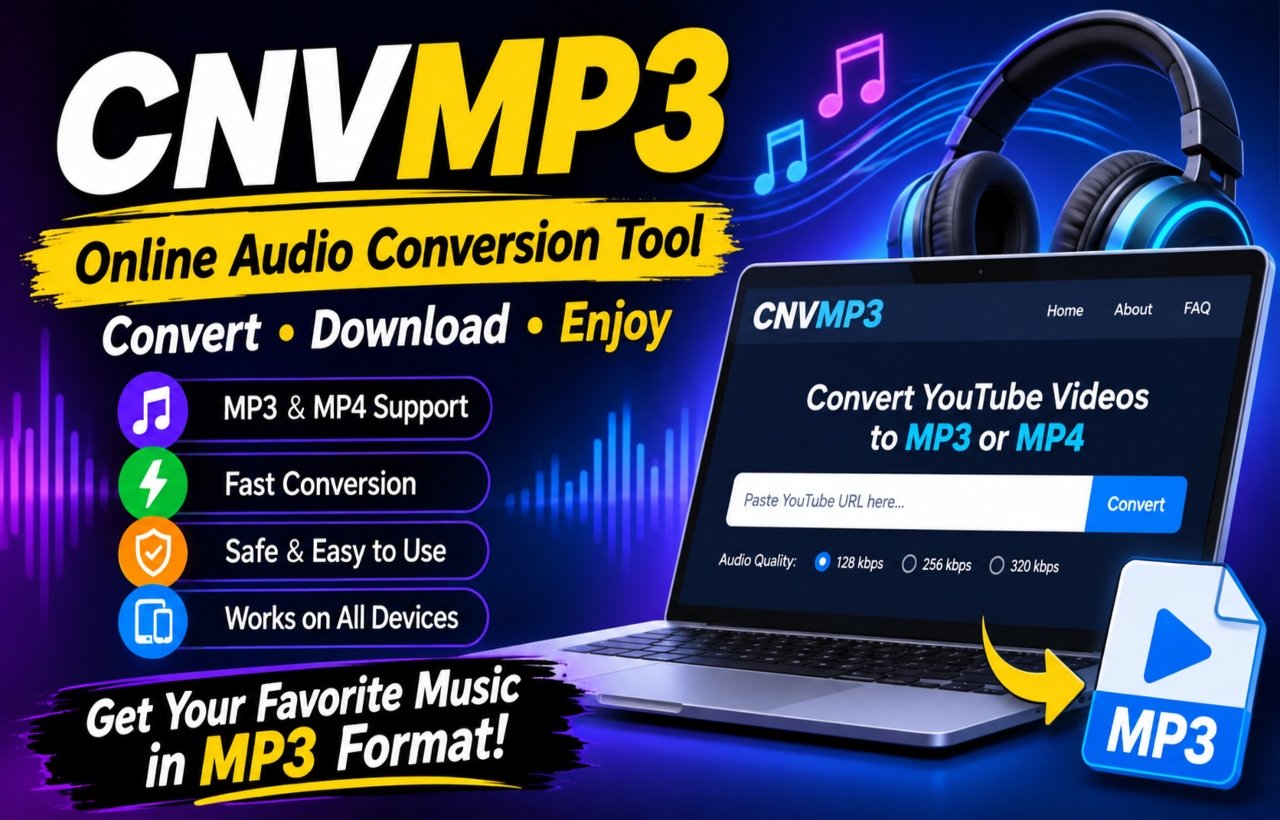
CNVMP3 is a name that people may encounter when searching for online audio conversion tools. As digital music continues to grow, users want convenient ways to access audio, organize their favorite tracks, and enjoy content across different devices. Online converters attract attention because they promise a straightforward experience without requiring complicated software installations.
However, before using any online conversion service, it is important to understand how these tools work, what features they may offer, and what safety considerations deserve attention. This guide explores CNVMP3 from an informational perspective and explains the benefits, limitations, and responsible ways to manage digital audio.
What Is CNVMP3?
CNVMP3 is an online media conversion service designed to help users convert supported video content into audio or video files. Its main purpose is to make audio extraction more accessible through a web browser.
The service focuses on YouTube-to-MP3 conversion and also advertises MP4 downloads. Some versions of the service advertise support for additional social media platforms. However, available features can vary depending on the domain and version.
According to its website, the service focuses on speed, accessibility, and a simple conversion experience.
Main Features of CNVMP3
An online converter becomes useful when it offers convenient features without making the process unnecessarily complicated. Here are some of the main features advertised by the service.
1. MP3 Audio Conversion
The primary purpose of CNVMP3 is audio conversion. MP3 remains one of the most popular audio formats because it works with smartphones, computers, music players, and many other devices.
Users can choose audio quality options advertised by the service, depending on the available source and conversion settings.
2. Different Audio Quality Options
Audio quality plays an important role in the listening experience. The service advertises several bitrate options, including 96 kbps, 128 kbps, 256 kbps, and 320 kbps.
Higher bitrates generally produce larger files. However, selecting 320 kbps does not automatically improve audio beyond the quality of the source.
3. MP4 Video Format
Another advertised feature is MP4 conversion. This format allows users to store video content instead of extracting audio only.
MP4 offers broad compatibility with modern devices, making it a convenient format for many everyday media requirements.
4. Browser-Based Experience
One advantage of CNVMP3 is its browser-based approach. Users do not necessarily need to install a separate desktop application to access its advertised conversion features.
This approach can be convenient for people who prefer lightweight online tools.
5. Simple User Interface
A straightforward interface makes an online service easier to understand. Clear input fields, conversion options, and download controls can help users navigate the process without advanced technical knowledge.
The service promotes a simple experience that appeals to people who want a basic media conversion utility.
How Does CNVMP3 Work?
Understanding the basic conversion process helps users make better decisions about online media tools.
Most browser-based converters follow a similar technical process. They receive a supported media URL, identify the available source, process the requested format, and provide an output file when conversion succeeds.
The general workflow involves these stages:
-
Source selection: The user identifies media that they own or have permission to download.
-
URL processing: The service checks whether the supplied link is supported.
-
Format selection: The user selects an available audio or video format.
-
Media conversion: The platform processes the supported source.
-
File delivery: The service makes the resulting file available when processing finishes.
The exact workflow and available options can change as the platform updates its service.
How to Use CNVMP3 Responsibly
Using an online conversion service requires more than understanding its interface. Users should also consider copyright, privacy, and device security.
If you have permission to convert a particular media file, the general process is straightforward.
-
Identify a video or media file that you own or have permission to convert.
-
Check whether the source platform allows downloading or conversion.
-
Visit the correct service domain and examine its security information.
-
Review the available output formats and quality settings.
-
Save the resulting file only if the conversion complies with applicable rules.
This approach helps users avoid unnecessary legal and technical problems.
Is CNVMP3 Safe to Use?
Online converters deserve careful attention because they operate through websites that users may not know well. A clean interface or an HTTPS connection does not guarantee complete security.
Before using CNVMP3, consider these important precautions:
-
Check the domain carefully before opening the website.
-
Avoid clicking suspicious advertisements or unexpected download buttons.
-
Never install unknown browser extensions or executable files.
-
Do not provide passwords, payment details, or unnecessary personal information.
-
Keep your browser and security software updated.
-
Scan downloaded files when appropriate.
Independent website checks can provide useful signals, but no single security rating guarantees that a website or every downloaded file is safe.
Copyright and Responsible Media Downloads
Copyright is one of the most important topics surrounding online audio conversion.
Music producers, artists, filmmakers, and content creators invest time and money in their work. Copyright laws protect many of these creative materials, and downloading copyrighted content without permission can create legal problems.
Using CNVMP3 does not automatically give someone permission to copy or distribute another person’s content.
Before converting media, consider these guidelines:
-
Use content that you created yourself.
-
Choose public-domain material when appropriate.
-
Obtain permission from the copyright owner.
-
Follow the original platform’s terms of service.
-
Avoid redistributing copyrighted files without authorization.
The service’s own terms also place responsibility on users to respect copyright requirements and applicable platform rules.
CNVMP3 YouTube to MP3 Converter
Benefits of Online Audio Conversion Tools
Online converters have become popular because they offer a convenient alternative to installing additional software.
Here are some general benefits of browser-based audio conversion services.
Easy Accessibility
Users can access browser-based services from different locations without carrying additional software. This makes them convenient for occasional conversion tasks.
No Complex Installation
Many online tools work directly through a browser. This reduces the need to install large applications for simple media tasks.
Multiple Format Choices
Some converters offer different audio and video formats. This flexibility helps users select files that suit their devices and storage requirements.
Flexible Device Compatibility
Modern browser-based tools can work across computers, tablets, and smartphones, although the actual experience depends on browser compatibility and website functionality.
Convenient Audio Management
MP3 files are relatively easy to organize into folders, transfer between compatible devices, and play through common media applications.
Limitations of Online MP3 Converters
Although online conversion tools offer convenience, they also have limitations that users should understand.
Internet Connection Requirements
Most browser-based converters require an active internet connection. A slow or unstable connection may interrupt processing or prevent users from accessing the service.
Conversion Failures
Some media links may not work because of privacy restrictions, regional limitations, unsupported formats, or changes to the original platform.
Audio Quality Limitations
A converter cannot create sound quality that does not exist in the original recording. For example, changing a low-quality recording into a 320 kbps file does not restore missing audio details.
Website Availability
Online services sometimes experience maintenance, technical problems, or temporary downtime. Therefore, users should not depend on one website for every audio-related task.
Best Alternatives to CNVMP3
If CNVMP3 does not meet your requirements, several legitimate alternatives can help with audio management.
-
Audacity: Useful for recording, editing, and converting audio files that you have permission to use.
-
VLC Media Player: Supports a wide range of media formats and includes conversion capabilities.
-
CloudConvert: Offers online file conversion for supported formats.
-
YouTube Music: Provides an official way to discover and enjoy music, with offline listening options available through eligible subscriptions.
These services offer different features, so choose one according to your actual requirements.
Tips for Choosing a Reliable Audio Converter
Selecting an appropriate converter can improve your overall experience. Before using any online service, consider the following factors:
Security: Choose services with clear privacy information and avoid suspicious download prompts.
Supported formats: Make sure the service supports the file format you actually need.
Audio quality: Check whether the available bitrate options suit your listening requirements.
Ease of use: Prefer a straightforward interface with understandable controls.
Copyright compliance: Make sure you have permission to convert and save the selected content.
Reliability: Look for consistent performance rather than trusting exaggerated advertising claims.
Why Is CNVMP3 Popular Among Online Users?
Online audio conversion attracts attention because people consume digital media in different ways. Some prefer listening to podcasts, while others enjoy educational recordings, interviews, and music.
The idea behind CNVMP3 appeals to users who want a simple browser-based solution instead of installing complicated software.
Its advertised features, including MP3 and MP4 options, different quality settings, and browser accessibility, help explain its appeal. However, users should always check current availability and verify that the version they visit is legitimate.
Frequently Asked Questions (FAQs)
1. What is CNVMP3 used for?
CNVMP3 is an online media conversion service primarily associated with converting supported YouTube videos into MP3 audio files. It also advertises MP4 video conversion.
2. Is CNVMP3 free?
The service advertises free access without requiring account registration. However, its pricing and availability should always be checked on the current website.
3. Does CNVMP3 support MP4?
Yes, some versions advertise MP4 video conversion alongside MP3 audio conversion. Available formats may vary depending on the version.
4. Can I use CNVMP3 on my mobile phone?
Browser-based conversion services may work on Android and iPhone devices. Actual compatibility depends on the browser, operating system, and website functionality.
5. Does CNVMP3 offer 320 kbps audio?
The service advertises audio quality options up to 320 kbps. However, the actual sound quality depends on the original recording.
6. Is CNVMP3 completely safe?
No online service can guarantee complete safety. Check the website address, avoid suspicious downloads, and never provide unnecessary personal information.
7. Do I need to install software?
The service promotes browser-based conversion, so a separate application is generally not required for its advertised online features.
8. Is downloading copyrighted music legal?
Downloading copyrighted music without permission may violate copyright laws and the original platform’s terms. Always use content you own, public-domain material, or files you have permission to download.
Final Thoughts
CNVMP3 represents the growing interest in simple online audio conversion tools. Its advertised MP3 and MP4 options, browser-based accessibility, and different audio quality settings make it an interesting option for people exploring digital media utilities.
However, convenience should never replace responsible internet usage. Users should check website security, understand copyright restrictions, and avoid downloading content without the necessary permission.
Ultimately, choosing a reliable audio tool depends on your needs, security expectations, and the formats you want to manage. With the right approach, you can enjoy a smoother and more responsible digital audio experience.